

 README

README

drone-email-webhook






Webhook listener for Drone CI / CD notifying commit authors of failed builds via email.
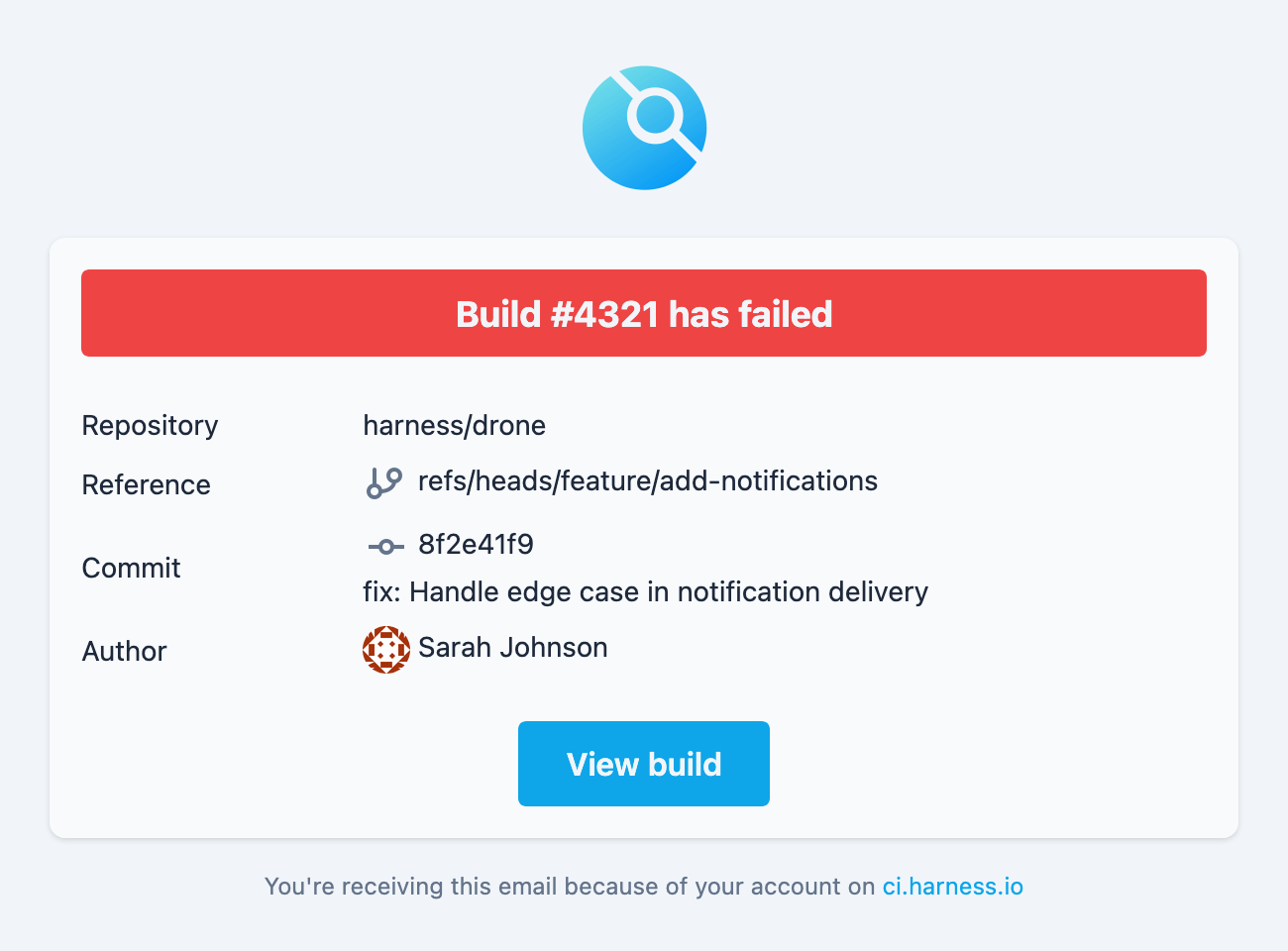 |
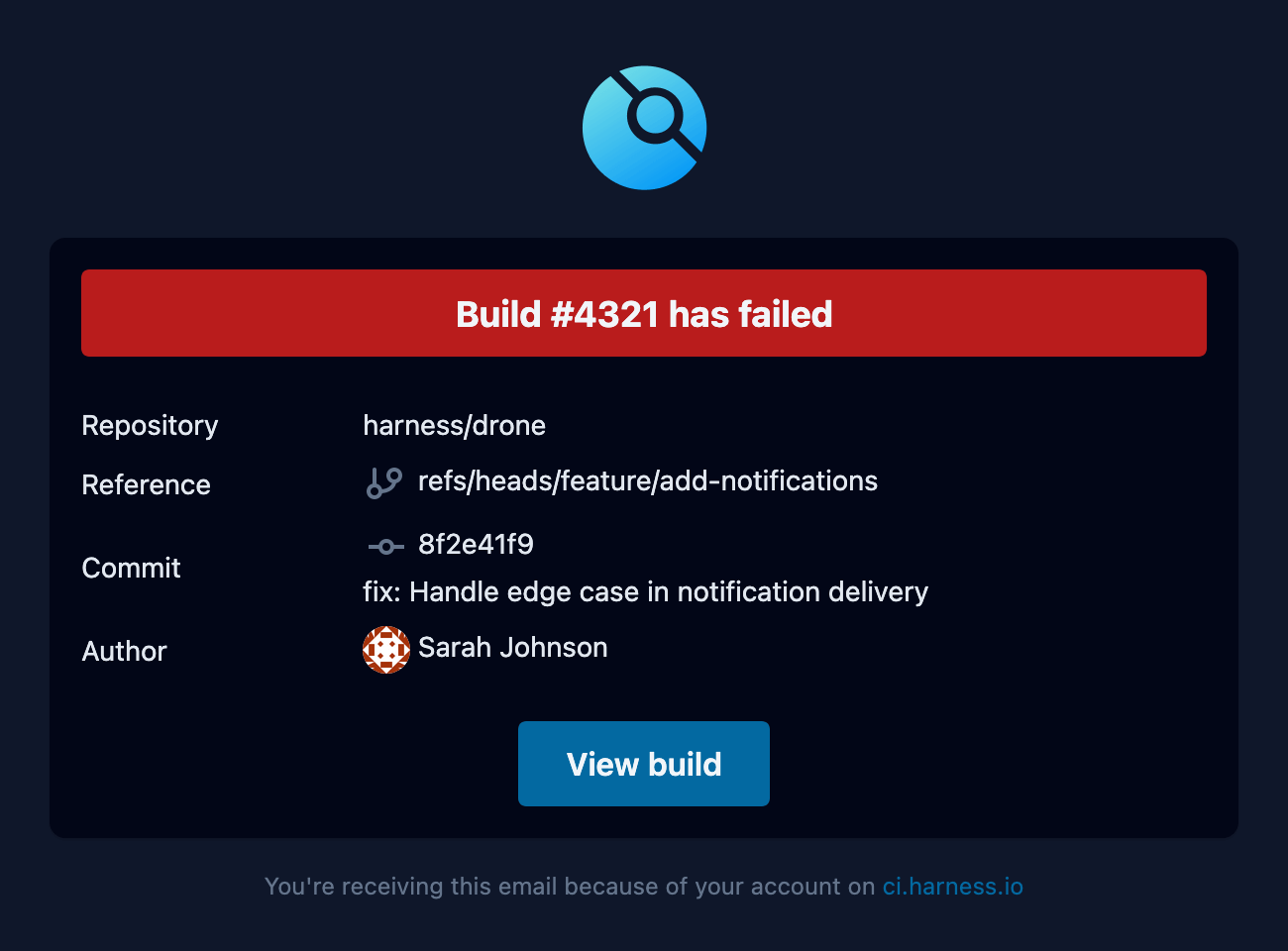 |
|---|
Usage
Starting the webhook listener
Pull and run the container:
docker run -d \
  -p 3000:3000 \
  -e DRONE_SECRET=your_webhook_secret \
  yusoltsev/drone-email-webhook:latest
See the Environment Variables table below for all available configuration options.
Configuring Drone
Configure your Drone server to send webhooks by setting the following environment variables:
DRONE_WEBHOOK_ENDPOINT: http://your-webhook-host:3000
DRONE_WEBHOOK_SECRET: your_webhook_secret # Must match DRONE_SECRET in webhook container
For more information about Drone webhooks configuration, please refer to the official Drone documentation.
Note: Make sure to replace the placeholder values with your actual configuration values.
Environment Variables
| KEY | TYPE | DEFAULT | REQUIRED |
|---|---|---|---|
DRONE_SECRET |
string |
Yes | |
DRONE_SERVER_HOST |
string |
0.0.0.0 |
Yes |
DRONE_SERVER_PORT |
uint16 |
3000 |
Yes |
DRONE_EMAIL_SMTP_HOST |
string |
localhost |
Yes |
DRONE_EMAIL_SMTP_PORT |
uint16 |
25 |
Yes |
DRONE_EMAIL_SMTP_USERNAME |
string |
No | |
DRONE_EMAIL_SMTP_PASSWORD |
string |
No | |
DRONE_EMAIL_FROM |
string |
drone@localhost |
Yes |
DRONE_EMAIL_CC |
[]string (comma-separated) |
No | |
DRONE_EMAIL_BCC |
[]string (comma-separated) |
No |
Docker Images
This application is delivered as a multi-platform Docker image and is available for download from two image registries of choice: yusoltsev/drone-email-webhook and ghcr.io/yegor-usoltsev/drone-email-webhook.
Versioning
This project uses Semantic Versioning
Contributing
Pull requests are welcome. For major changes, please open an issue first to discuss what you would like to change. Please make sure to update tests as appropriate.
License
 Documentation

Documentation


There is no documentation for this package.
 Source Files